Members, roles & settings
Bring people into projects with the right role and set how the project works.
Steps
- 1
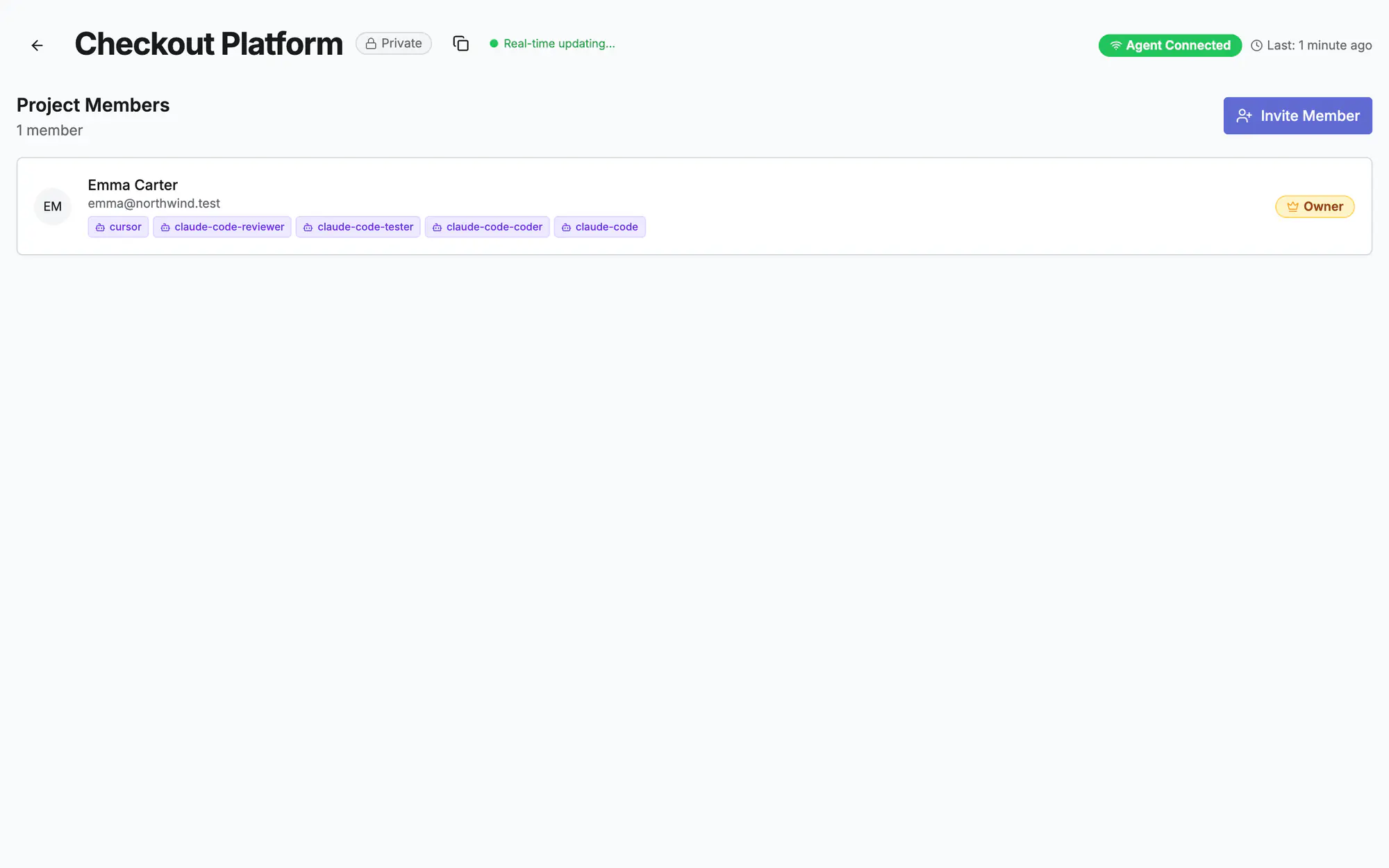
Add project members
Open Members in the project and add people from your workspace. Each member can be in charge of agent tokens.
- 2
Give roles
Owner, PO, PM, Tech Lead, Engineer, DevOps, QA and more. Roles decide who approves stages, promotes and manages tokens.
- 3
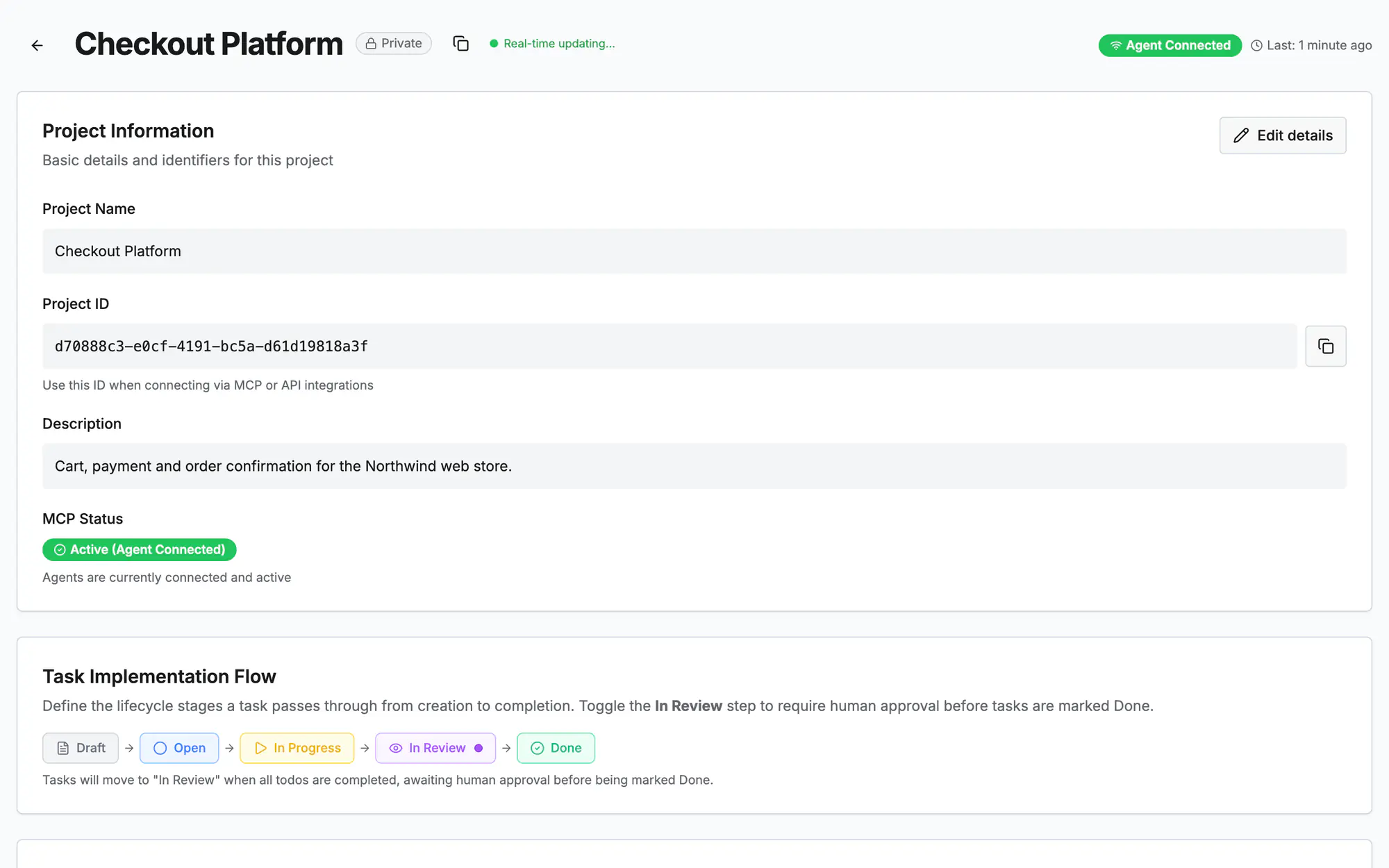
Project settings
Name and description, the task flow (with a human review step before done), the review deadline and your tech stack.
- 4
Guardrails
Set the orchestrator agent and the guardrails it checks, and which notifications the project sends.
On the screen
Screen 1 of 3
Screen 2 of 3
Screen 3 of 3
Watch it (0:15)
Common questions
Workspace role or project role?
The workspace role (admin, member, viewer) sets what someone can do across the workspace; the project role sets what they decide inside one project.
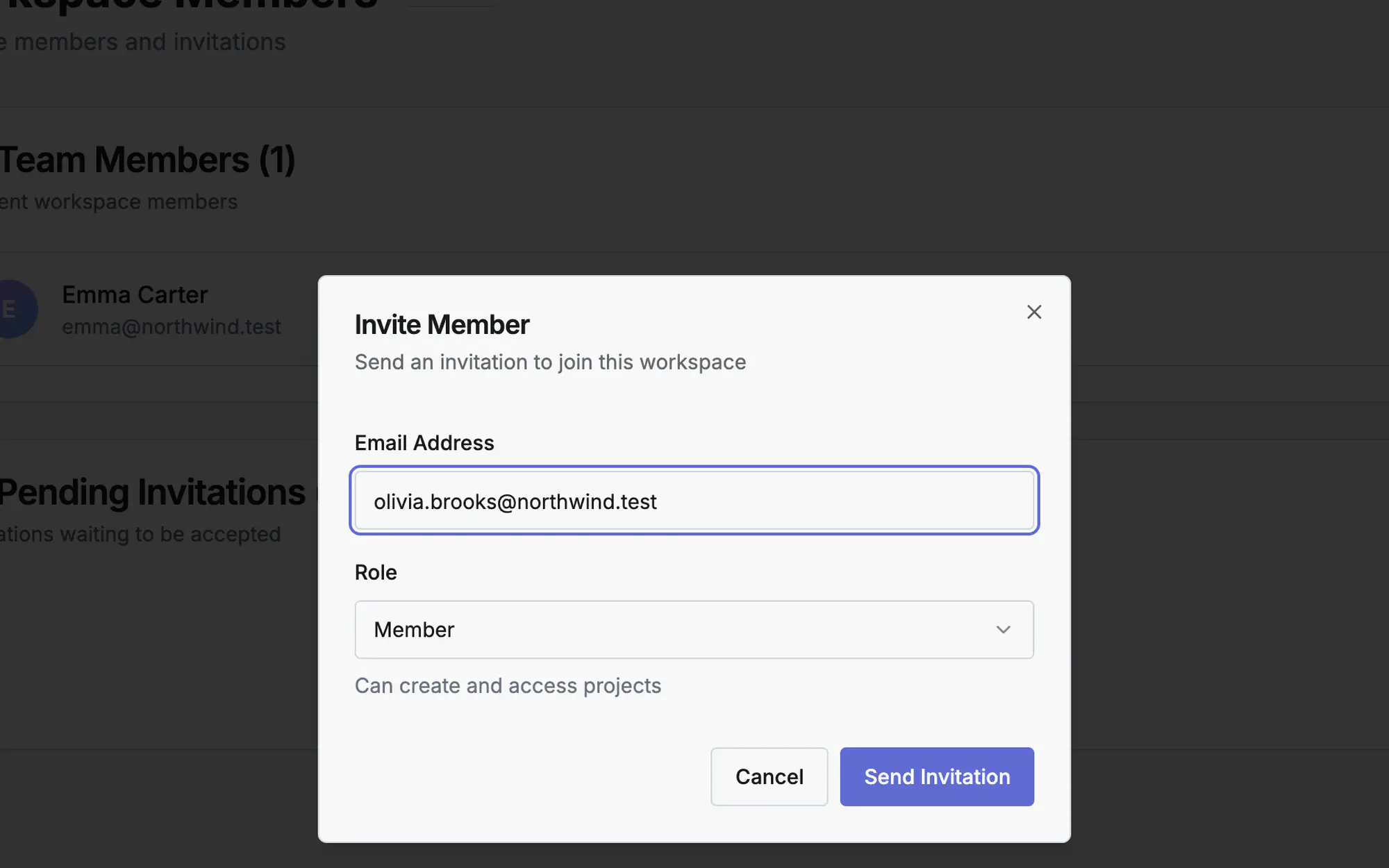
Who can invite people?
Workspace owners and admins invite to the workspace; project owners and managers add workspace members to a project.
How do I remove someone?
In Members, use the remove button on their row. Their tokens stay until you revoke them in Connect agent.
Read more
Docs: Quick startGetting startedReleases & deploymentsIn the app, press ? on this screen to open this guide next to your work, then “Show me” for a tour of the real page.